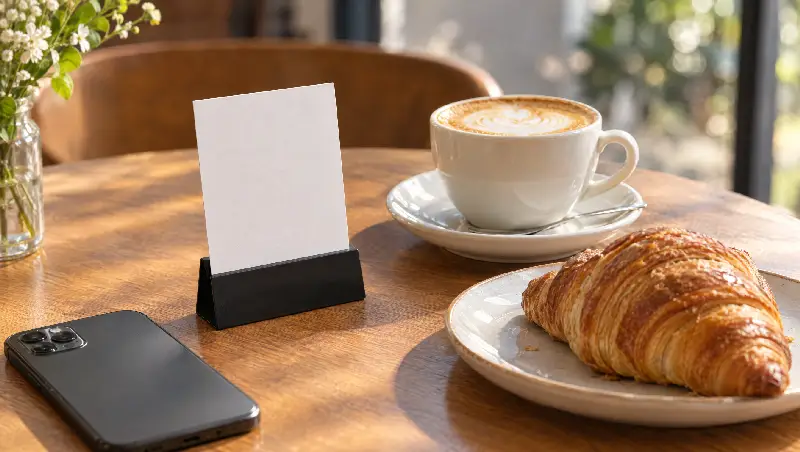
Leaving a review is easiest when there is nothing to search for: a link people can tap, or a QR code they can scan. Google's own help page describes both.
Option 1: from your Business Profile
- 1Go to business.google.com and open your profile.
- 2Select Read reviews, then Get more reviews.
- 3Select Copy to copy the link. On a computer you can also save the QR code image.
Google notes that the QR code is only available on a computer browser.
Option 2: without signing in
Use our free review link and QR tool: search your business, copy the link, and download the QR code as an image or a printable counter card. It works from any phone.
Where to put it
Counter and tables
A small card with the QR code, where people wait or pay.
Messages and social
Your WhatsApp thank-you message and Instagram bio.
Receipts and menus
The bottom of receipts and menus, when the visit is fresh.